QuizSync
In developmentLive trivia and bingo, run from your phone, played on everyone else's.
QuizSync is a platform for hosting live trivia and bingo nights. Your team builds the games, a host runs the night, and players join from their own phones with nothing to install.
Features
What QuizSync does
Everything listed here works in the app today.
Build your games
Office staff write and organize games on the website.
Trivia builder
Write multiple-choice, true-or-false and typed-answer questions, with points and a time limit for each.
Bingo builder
Make cards from words or from music clips. Use a built-in winning pattern or paint your own.
Quiz-show boards
Build a board of categories and clue values, with hidden bonus wagers, for buzzer-style play.
Spreadsheet import
Bring an existing question bank in from a CSV file.
Media library
Keep the pictures, audio and video your questions use in one place.
Printed bingo cards
Print paper cards as a PDF. The host can check a paper card's win in the app.
Run the night
The host runs everything from one console, on a phone, tablet or laptop.
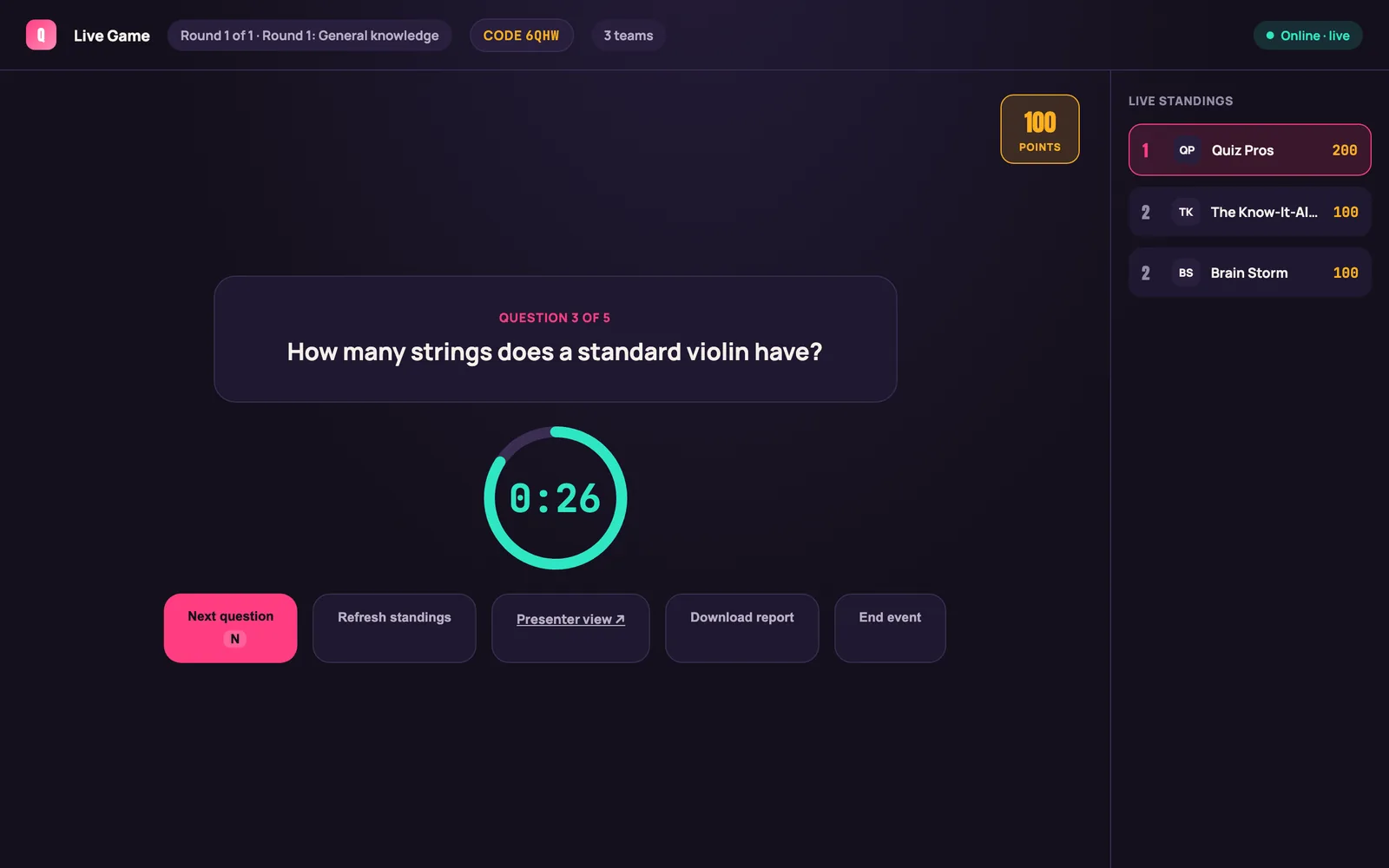
Host console
Reveal the next question, watch the countdown and see live standings. Keyboard shortcuts keep it quick.
Big screen
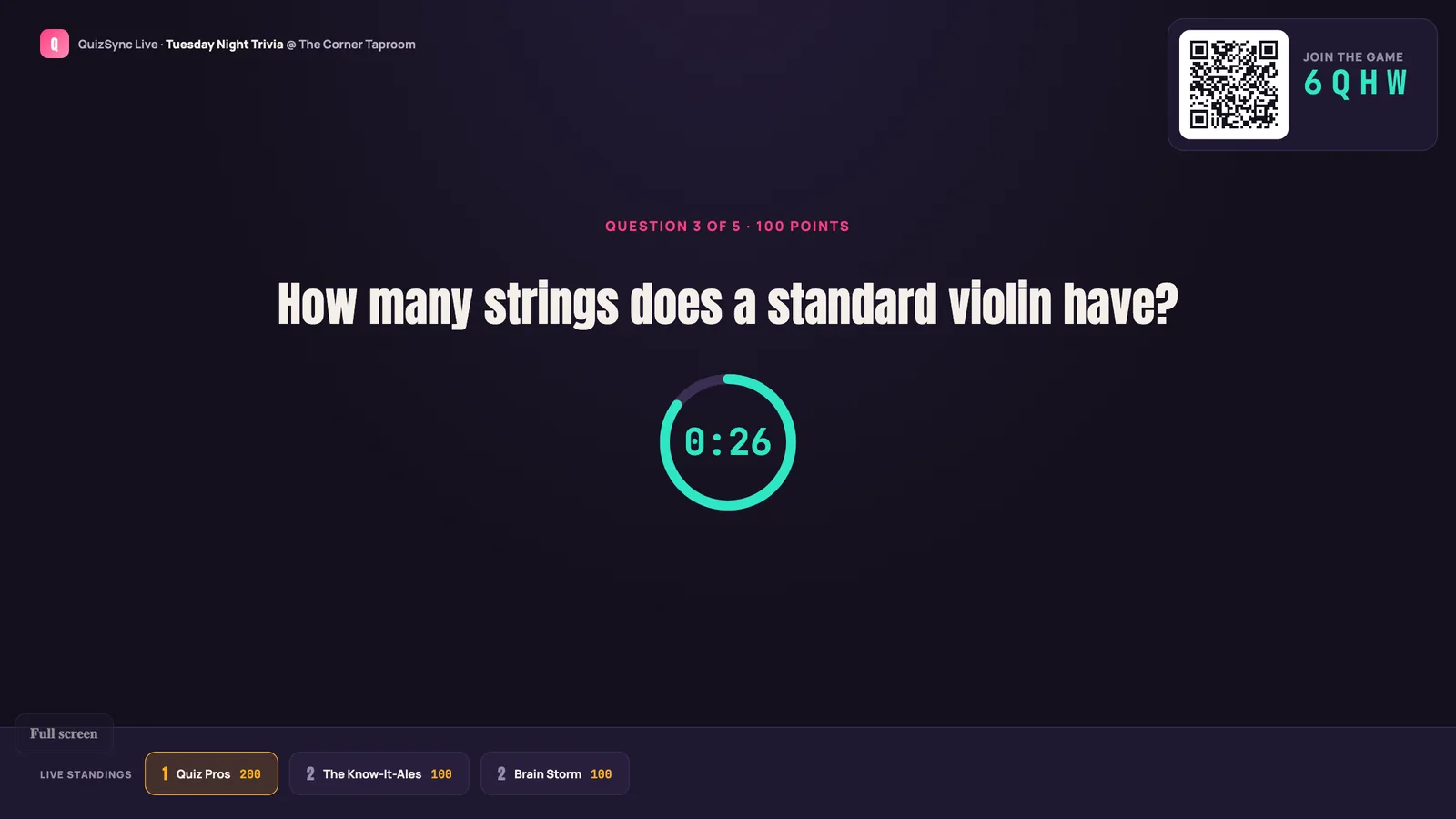
A presenter view for the venue's TV shows the question, the countdown, the standings and a code to join.
Any TV
Open the TV page in any browser and it follows the host, with nothing to plug in.
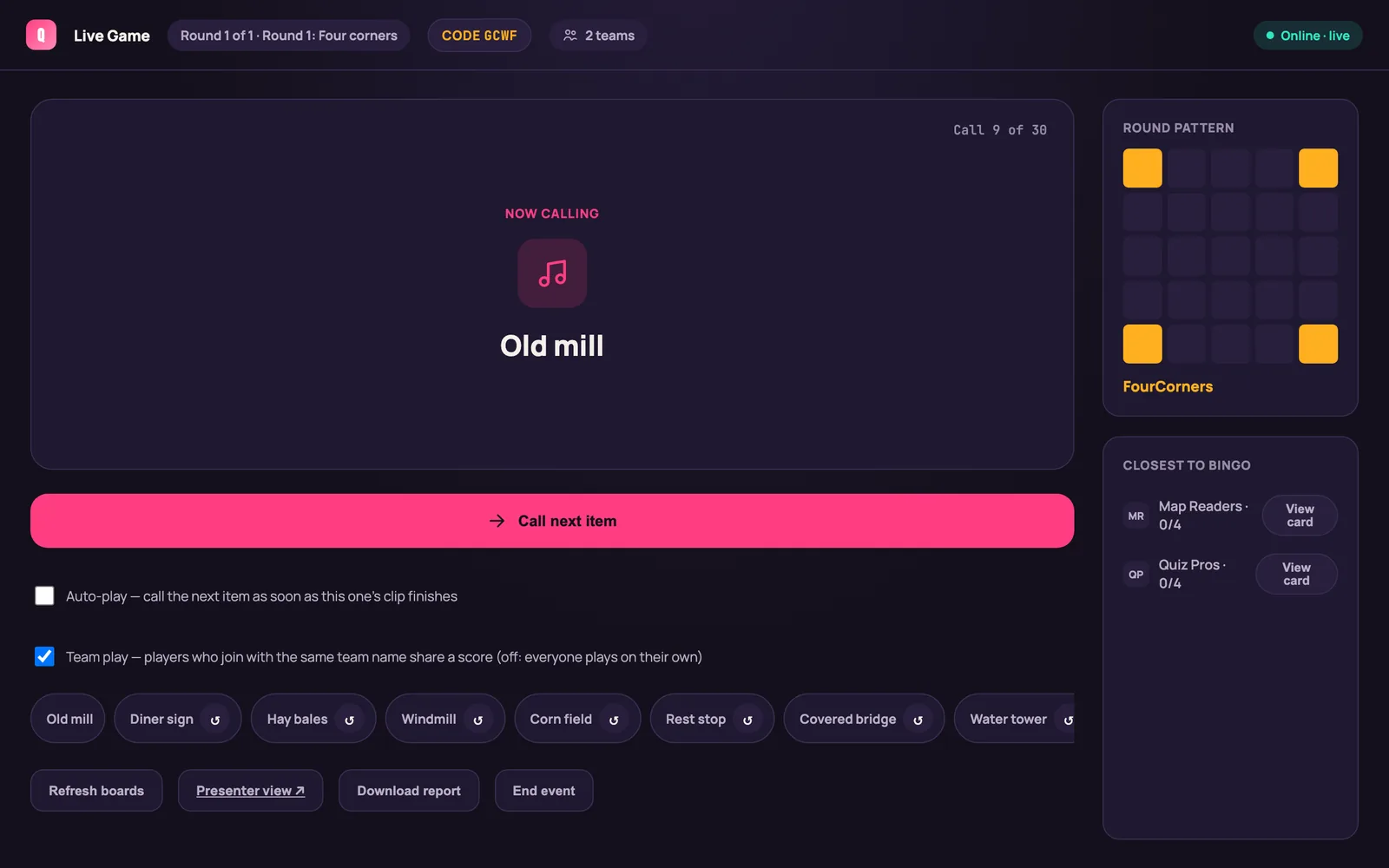
Bingo calling
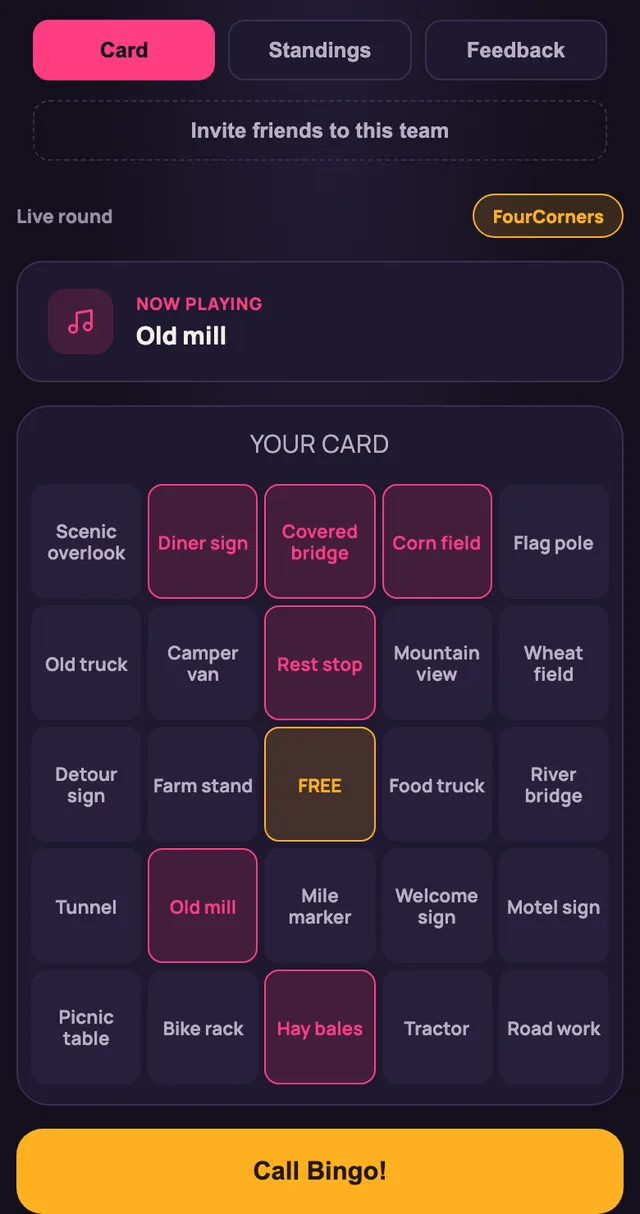
Call items one at a time, see which teams are closest, and look at a team's card before you confirm a win.
Buzzers
In quiz-show games, players buzz in from their phones and the host judges each answer.
Event report
Download the results when the night is over.
Play along
Players use the phone they already have.
Join by code
Scan the code on the big screen or type four characters. No account and no download.
Teams or solo
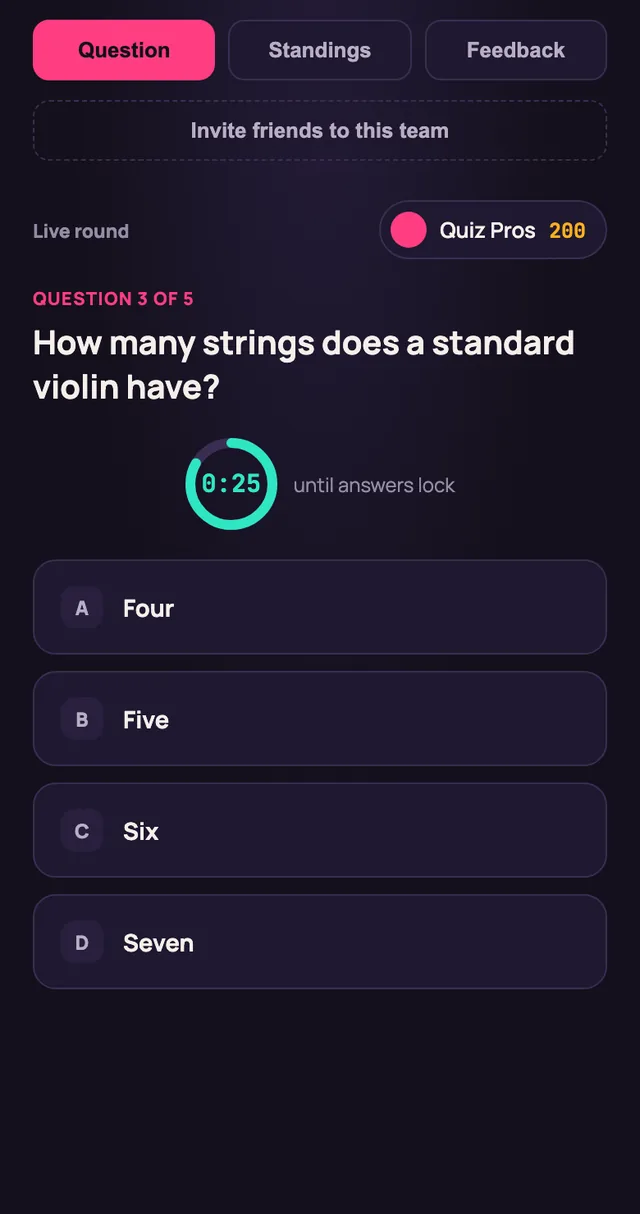
Play as a team with a shared score, or on your own. Invite friends to your team from your phone.
Forgiving answers
Typed answers allow for small spelling mistakes. Ties are broken by answer speed.
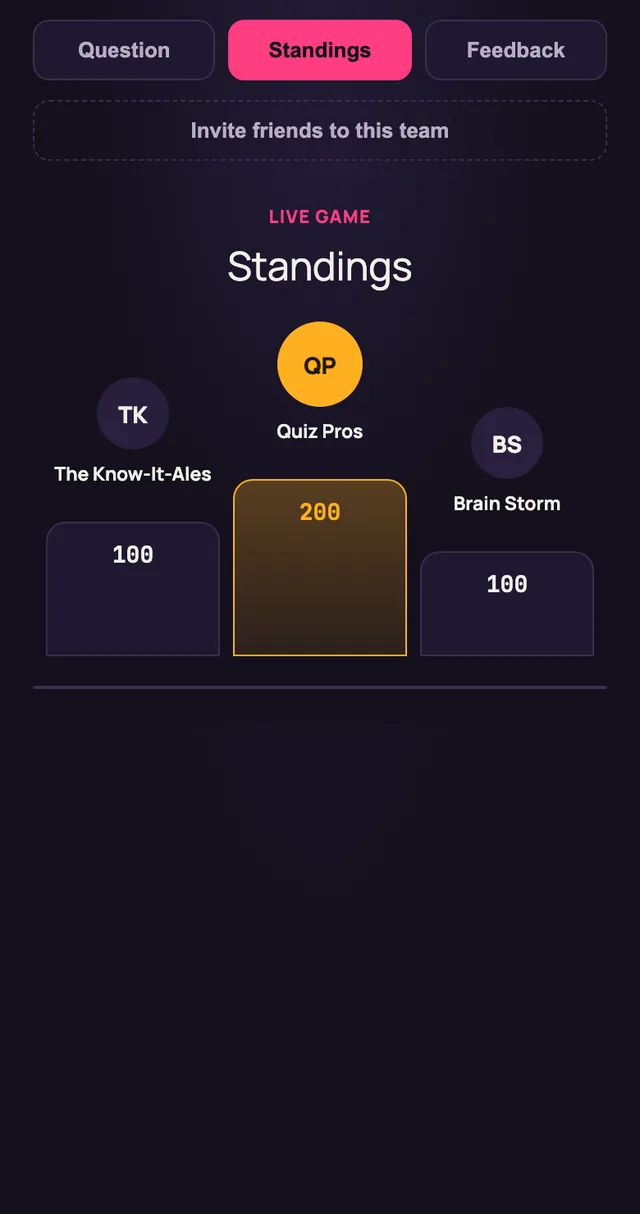
Live standings
See where your team stands after every question.
Feedback
Rate the host, the venue and the questions when the game ends.
Find a game
Browse games near you, and save your favorites.
Four kinds of game
Each has its own host console and player screen.
Trivia
Rounds of timed questions, which can include a picture, an audio clip or a video.
Bingo
Cards of words or phrases, marked by the players as the host calls each one.
Music bingo
The host's device plays each clip. The big screen keeps the title hidden, and players get a hint.
Quiz-show board
Categories, rising clue values, buzzers and bonus wagers.
Run the business
The same website handles the work around the games.
Events
Schedule a game at a venue, assign a host and choose how ties are settled.
Venues and staff
Keep your venues and employees in one place, with a role for each employee.
Reports
Review past events and export the results as a CSV file.
Monitoring
A status page shows whether each part of the system is healthy.
Stays in sync
The reason for the name.
One source of truth
The server keeps the state of the game and sends every change to every screen at once.
Reconnects on its own
A phone that drops off Wi-Fi rejoins and catches up, on the same team.
Follows the host
When the host starts the next round, players and the big screen move with them.
Screens
See it in use
These pictures come from the app itself, running with sample data.
How it works
From setup to everyday use
Build the game
Write the questions or the bingo items on the website.
Schedule the event
Pick the venue, the date and the host.
Open the room
The host starts the event. The big screen shows a code, and players join.
Play
The host reveals each question. Scores update as answers come in.
Who it is for
- Trivia companies that run weekly nights at several venues
- Bars and restaurants that host their own game nights
- Fundraisers, clubs and company events
Good to know
- QuizSync needs an internet connection during a game. Hosting without one is in development.
- Music bingo plays audio clips that you provide. Licensing that music is the organizer's responsibility.
- Player alerts are sent by email for now.
- The apps are installed for testers by hand until they reach the app stores.
Want to see QuizSync running?
QuizSync is in development and is not yet in the app stores. Pricing has not been set. Email us for a demonstration or to ask about early access.
iPhone, iPad, Mac, iOS, iPadOS and macOS are trademarks of Apple Inc. Other names may be trademarks of their owners.